Dwella AI
“Quiet 2-bed near my office in VI, under ₦5m.”
Matched to filters
Search the way you talk
Describe the home in plain words. Dwella turns it into the right filters.
How Dwella works
From your first search to the day you settle in, the next step should be easy to understand. Start with a home, see it in person, then keep everything in one place.
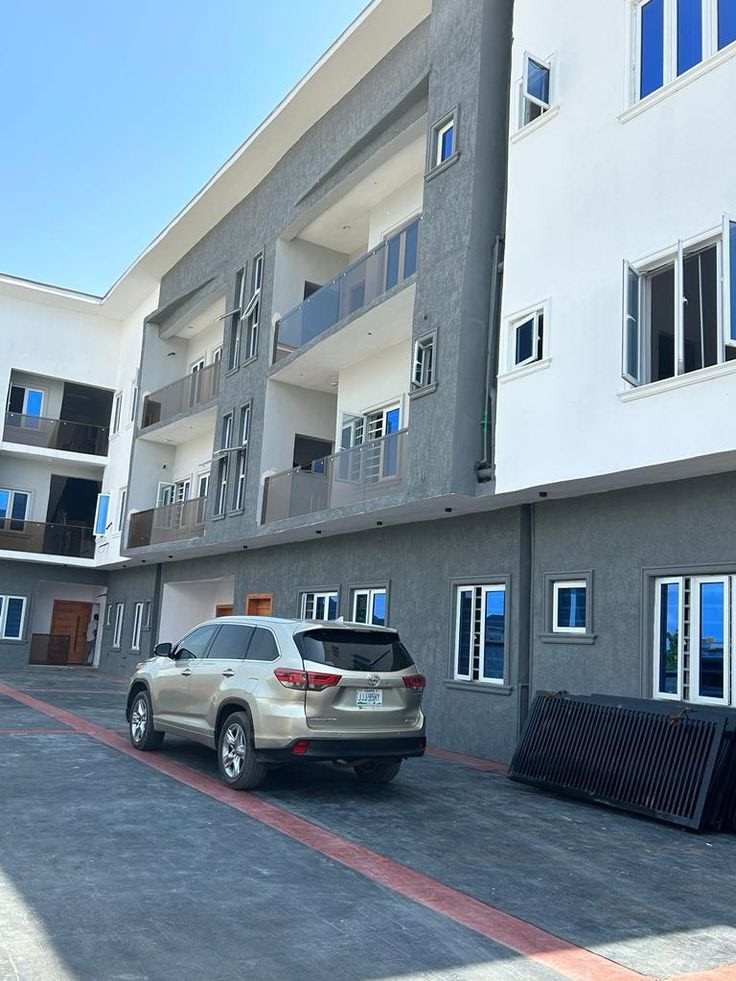
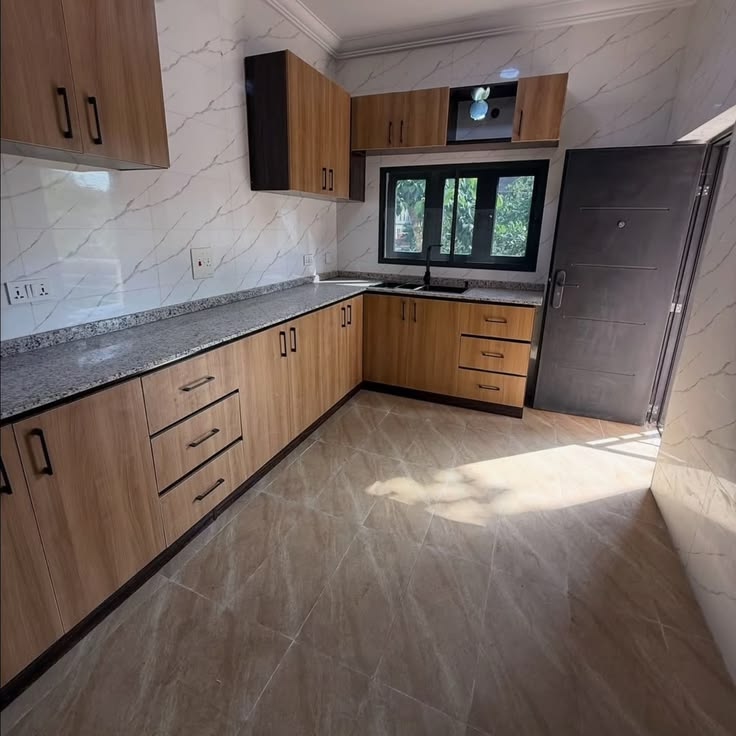
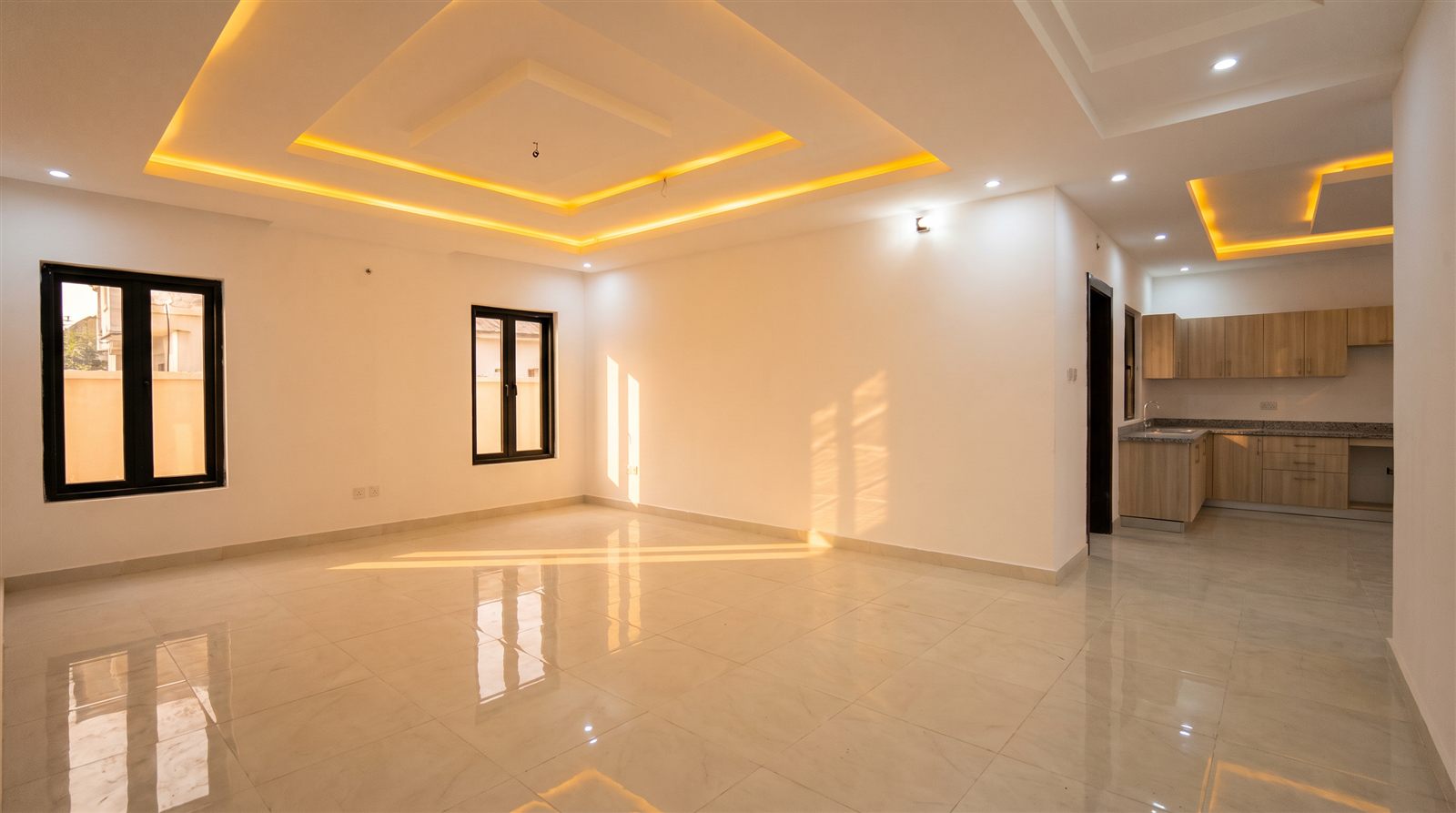
A silent, captioned illustration of the Dwella journey. Homes shown are examples.
Why renters choose Dwella
“Quiet 2-bed near my office in VI, under ₦5m.”
Describe the home in plain words. Dwella turns it into the right filters.
Home inspected
Visited by Dwella staff
Guide assigned
Meets you at the viewing
Every listing is verified in person, and a Dwella guide meets you there so you never view alone.
Pay securely, track your lease and save toward next year in one place.
The usual search
Agent after agent, dead ends and extra costs. You start again, and the place you finally visit may still be wrong for you.
Dwella brings the search, home details and viewings into one place.
The usual search
Start again · Round 1
Search → Verified viewing → Move in
Simple from the first search
Start with a city, a university, or the kind of home you need. Dwella brings the next steps together.
Describe the home you need, then explore real listings that fit.
Compare the details and arrange a viewing before you decide.
Keep your lease, payments and support in one Dwella account.
Start anywhere
Map based on Natural Earth boundaries.
For renters
Describe the home you want or browse by state, campus, budget and home type. Every path leads into the same catalogue.
Open the listing, compare its details, and book a time to see the property before you decide.
When you rent through Dwella, your lease, payments and maintenance requests stay in your account.
More ways to use Dwella
Tell us your university after you sign in. Search homes near campus in the regular catalogue and see your student benefits in the same account.
Find homes near campusCreate a property listing, manage enquiries and viewings, and keep tenant activity connected to your property workspace.
Get started as an owner